
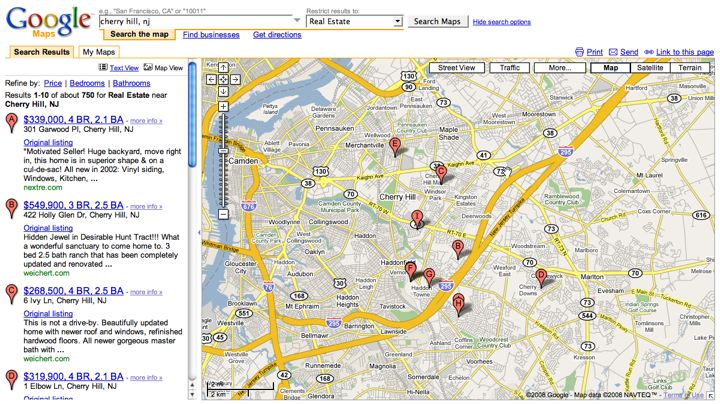
 Oh, Google Maps, you sneaky dude. Did you just start showing real estate listings on your maps?
Head on over to maps.google.com and do a search for your area. Then click the “Show search options” link next to the “Search Maps” button. From the drop-down menu, you will see “Real Estate.” Click that and you will see houses for sale in the area.
When you click on any of the results you will see the usual Google pop-up balloon with information about the listing. From there, you can link to one or more websites for the listing.